What Is MetaTrader? A Beginner’s Guide to MT4 and MT5
Discover what MetaTrader is and how MT4 and MT5 connect you to brokers. Read the full guide.
By Trader Faculty Team
Direct Answer
MetaTrader is an electronic trading platform created by MetaQuotes that connects retail traders to financial brokers for viewing price streams, charting, and executing orders. It acts purely as a software gateway rather than a brokerage custodian, requiring connection to a broker server to execute live financial transactions.
MetaTrader is an electronic trading software platform developed by MetaQuotes that connects retail traders to financial brokers, enabling them to view real-time market prices, analyze charts, and submit trade requests for execution.
Many beginner traders download MetaTrader expecting a ready-to-use brokerage account, only to get blocked when prompted for server logins and account credentials. In reality, MetaTrader is purely software, not a financial broker. Understanding this separation is essential for securing your funds and selecting the right trading infrastructure.
This guide covers how MetaTrader works, breaks down its core server mechanics, and compares its two primary versions: MetaTrader 4 and MetaTrader 5.
Quick Takeaways
- MetaTrader is a trading software interface, not a financial broker, meaning it holds no client capital and requires a broker server connection to place live trades.
- MT4 remains the global retail standard for forex trading, whereas MT5 offers multi-asset coverage, faster processing, and advanced execution modes.
- Custom automated scripts built for MT4 do not run natively on MT5 due to non-compatible programming architectures.
- Running automated trading tools around the clock requires a Virtual Private Server (VPS) to prevent disconnects caused by local computer shut-offs.
What Is MetaTrader? Understanding the Interface vs. the Broker
MetaTrader is a third-party software terminal created by MetaQuotes Ltd. that functions as an interactive visual interface between a trader and their chosen brokerage server.
To understand this relationship clearly, think of MetaTrader like a web browser such as Google Chrome or Mozilla Firefox. The browser itself does not host web pages or store internet files; it simply renders data provided by external web servers. Similarly, MetaTrader does not process cash deposits, hold customer assets, or issue financial licenses. Your capital and trading permissions reside entirely with your chosen financial broker.
Confusing trading software with a financial institution is one of the most common mistakes made by new market participants. Fraudulent entities sometimes use the familiar MetaTrader interface to trick beginners into believing they are dealing directly with MetaQuotes. Recognizing that MetaTrader is merely software helps you separate platform features from broker safety.
To understand where software fits into your overall technical setup, it helps to review the broader spectrum of essential trading tools used by technical and fundamental market analysts.
How MetaTrader Works: The Client-Server Connection
MetaTrader operates through a client-server architecture where the terminal on your personal device sends encrypted trading requests to a broker's central server for execution.

The data flow relies on three primary components:
- 1. Client Terminal: The desktop, web, or mobile application installed on your device where you analyze price quotes, draw technical levels, and click order buttons.
- 2. Broker Access Server: An intermediate proxy server managed by your broker that verifies user account details, filters incoming order traffic, and secures network connections.
- 3. Trade Server & Liquidity Engine: The core engine where your broker processes account equity, matches buy and sell orders, and routes trade commands to external liquidity providers.
When you click "Buy" on your screen, your device sends a data packet containing order parameters across the internet. The broker's trade server receives the request, checks your available margin, matches the trade with an available market price, and sends an execution confirmation back to your screen. If network latency is high or market volatility spikes during this journey, execution slippage can occur between the moment you click and the price your trade actually fills at.
MetaTrader 4 vs. MetaTrader 5: What Is the Difference?
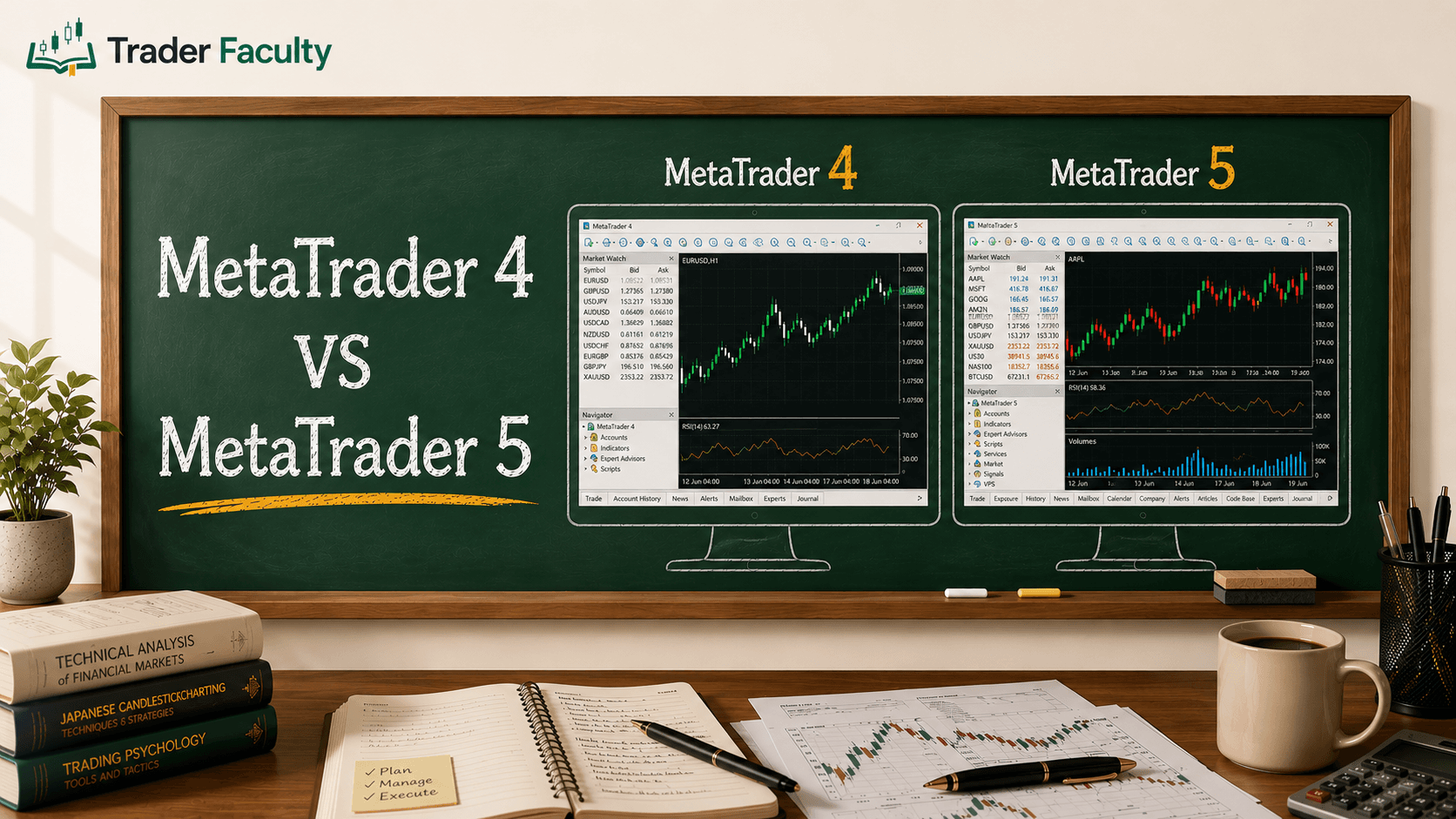
The main difference between MetaTrader 4 (MT4) and MetaTrader 5 (MT5) is that MT4 was built specifically for retail spot forex trading, while MetaTrader 5 was engineered as a multi-asset platform capable of handling equities, futures, and centralized exchange products alongside forex.
Although MT5 is often viewed as the direct successor to MT4, both platforms continue to run concurrently across global brokerages.
| Feature / Dimension | MetaTrader 4 (MT4) | MetaTrader 5 (MT5) |
|---|---|---|
| Initial Launch Year | 2005 | 2010 |
| Primary Asset Focus | Spot Forex and Forex CFDs | Multi-Asset (Forex, Stocks, Futures, Commodities, Crypto) |
| Programming Language | MQL4 | MQL5 (Not backward-compatible) |
| Default Timeframes | 9 standard timeframes | 21 native timeframes |
| Order Accounting Modes | Hedging only (each trade tracked separately) | Hedging and Netting modes (Netting combines same-symbol trades into one net position) |
| Built-in Economic Calendar | No (Requires third-party plugin) | Yes (Integrated natively) |
| Strategy Tester Capabilities | Single-threaded, single-currency | Multi-threaded, multi-currency, 64-bit fast testing |
Sources: MetaTrader 4 launch history (metatrader4.com), MetaQuotes company history (metaquotes.net). Timeframe counts confirmed via MetaTrader 4's technical analysis page and MetaTrader 5's charting page.
If your goal is strictly focused on retail spot currency pairs or existing custom tools designed for older codebases, exploring how to use MetaTrader 4 will cover everything you need for daily execution. However, if you plan to trade stock index futures, run complex portfolio backtests, or utilize advanced order netting, MT5 provides a modern infrastructure built for multi-asset expansion.
Core Features That Made MetaTrader an Industry Standard
MetaTrader became the global retail standard due to its lightweight interface, flexible charting package, and powerful algorithmic automation environment.
Technical Analysis & Interactive Charting
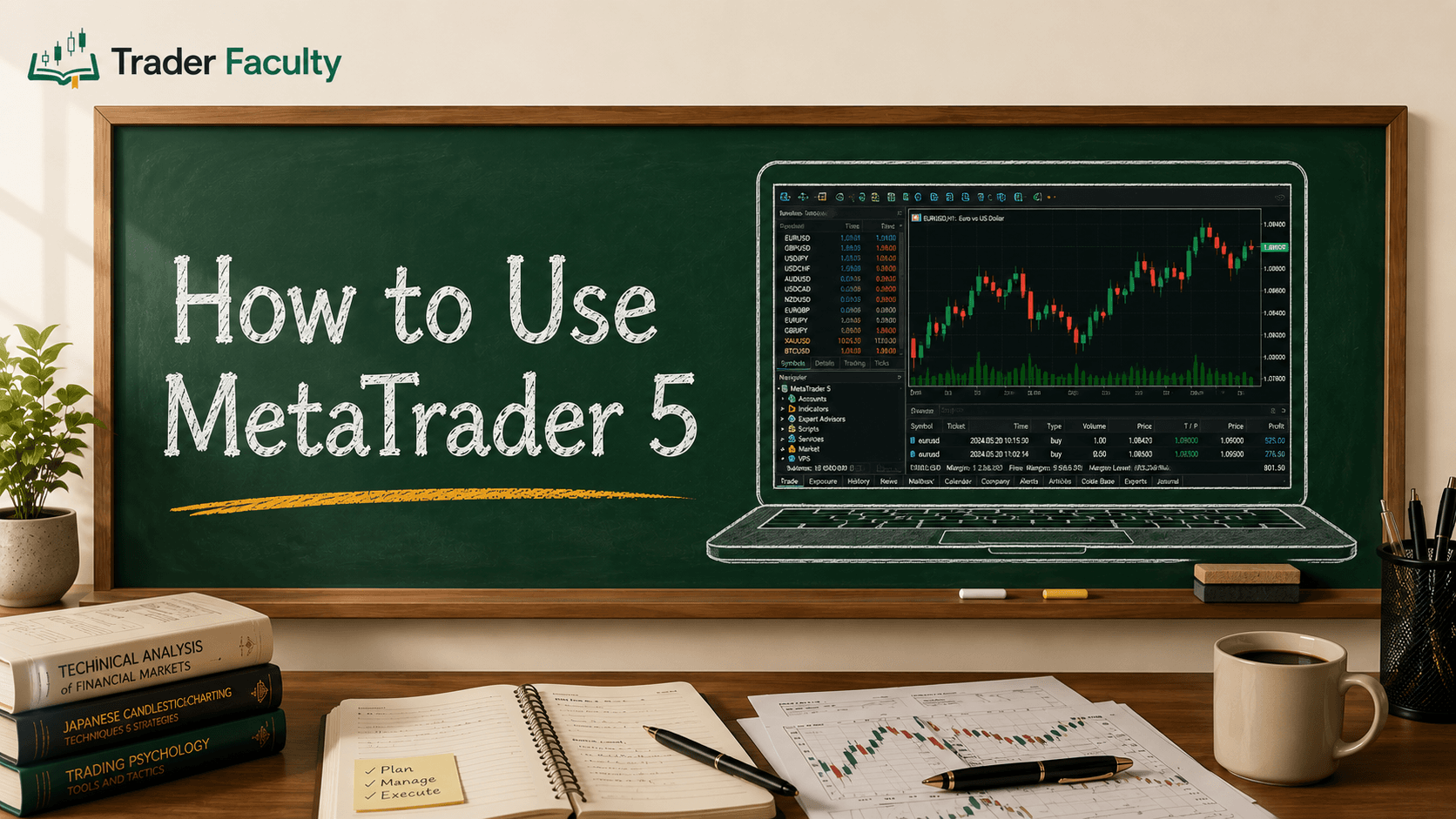
The software features full interactive charting with custom timeframes, extensive drawing tools, and dozens of built-in technical indicators ranging from Moving Averages to the Relative Strength Index (RSI).
Automated Trading via Expert Advisors (EAs)
MetaTrader allows traders to run custom algorithmic trading scripts known as Expert Advisors (EAs). Developed in MQL (MetaQuotes Language), these programs can automatically monitor price feeds, calculate trade conditions, and execute position orders without manual intervention.
Infrastructure Reality Check
Running an automated strategy locally on a personal laptop comes with operational risks. If your home computer loses internet connection, enters sleep mode, or experiences a power interruption, active Expert Advisors stop working entirely. To maintain uninterrupted strategy operation and minimize network latency, automated traders typically run their client terminal on a dedicated Virtual Private Server (VPS).
Multi-Device Accessibility
Traders can access their accounts across desktop applications (Windows/Mac), browser-based WebTrader instances, and native mobile apps for iOS and Android.
Common Beginner MetaTrader Mistakes
New traders frequently make avoidable errors when using MetaTrader by confusing software stability with broker trust, misinterpreting programming limits, or mismanaging execution setups.
Mistake 1: Confusing Software Security with Broker Quality
Downloading MetaTrader directly from the official MetaQuotes website gives you software, but selecting a broker server inside the app determines where your funds go. Never assume a broker listed inside MetaTrader's server menu is safe or properly regulated. Always evaluate brokerage licenses, financial regulation, and deposit security separately.
Mistake 2: Expecting Code Compatibility between Platforms
Custom indicators and automated EAs built using MQL4 for MT4 cannot be loaded or run directly inside MT5. Because MQL5 uses an object-oriented code architecture, legacy MT4 scripts must be rewritten or re-coded from scratch to function on the newer platform.
Mistake 3: Closing the Terminal While Running Local Automation
Closing your desktop application or shutting down your computer while an automated trading bot is active will terminate all script processing. Unless your EA is running on a continuous server environment like a VPS, your algorithmic trade rules will fail to run when market conditions trigger.
Conclusion
MetaTrader is an essential electronic platform that bridges the gap between your trading strategies and your broker's order execution servers. By understanding the distinction between software terminals and brokerage custodians, you can select between MT4 and MT5 based on your target asset classes and algorithmic needs.
To explore the foundational concepts of modern charting and market software, continue reading through our full guide on tools & platforms.
Frequently Asked Questions
Is MetaTrader a broker or a trading platform?
MetaTrader is strictly a third-party trading platform, not a financial broker. The software provides the visual charting interface and order execution tools you use on your computer or mobile device. However, MetaTrader does not hold your cash deposits, issue financial licenses, or clear trades independently. You must open an account with an independent brokerage and connect its server to MetaTrader to execute trades.
Is MetaTrader free to download and use?
Yes, MetaTrader is completely free to download for desktop, web, and mobile devices. MetaQuotes licenses the software platform directly to financial brokerages, who then provide access to their retail clients without charging a platform download fee. However, you will still pay standard trading fees, spreads, and commissions established by your chosen broker when executing market orders.
Can you trade on MetaTrader without a broker account?
You can open a free demo account directly within MetaTrader to practice technical analysis and place virtual paper trades. However, you cannot trade live financial markets or use real money without connecting the software to a live server managed by a licensed broker. A broker connection is required to supply real-time pricing feeds and process financial transactions.
Is MetaTrader 4 or 5 better for beginners?
MetaTrader 4 (MT4) is often preferred by beginners who focus exclusively on retail foreign exchange trading due to its simpler layout and widespread community support. However, MetaTrader 5 (MT5) is better if you plan to trade multiple asset classes such as stocks, futures, and crypto, or if you require advanced backtesting features and expanded chart timeframes.
Can MetaTrader trade automatically for you?
Yes, MetaTrader supports fully automated algorithmic trading through custom programs called Expert Advisors (EAs). EAs can analyze price action and execute trades automatically based on pre-programmed rules. To ensure your automated strategies run continuously without interruption from computer power loss or network disconnects, most traders host their MetaTrader terminal on a dedicated Virtual Private Server (VPS).
The Trader Faculty Team writes and reviews every guide together — pairing hands-on market experience with a curriculum-first approach to trading education. One good syllabus, taught in the order that makes you better.