Stop Loss and Take Profit: A Beginner's Guide
Learn how stop loss and take profit orders work to protect trading capital and automate exits. Read the full guide.
By Trader Faculty Team
Direct Answer
A stop loss and take profit are automated order instructions that close a trading position when price reaches a specified loss or gain boundary. A stop loss limits potential downside by converting to a market order when triggered, while a take profit secures gains by executing as a limit order at a preset target price.
A stop loss and take profit are automated order instructions that close an open trading position when price reaches a specific loss or gain limit.
Many new traders watch a profitable trade reverse into a heavy loss simply because they did not lock in gains. Others hold onto losing positions out of hope, watching small mistakes drain their account. Setting automated exit orders removes emotional hesitation and protects your account balance while you are away from your screen.
Quick Takeaways
- Automated exit orders enforce discipline by closing trades without requiring real-time emotional decisions.
- A stop loss executes as a market order once triggered, which means execution price may shift during fast market gaps.
- A take profit functions as a limit order, securing your profit target at your desired price or better.
- Setting exit levels before entering a position keeps your risk-to-reward ratio structured and measurable.
What Are Stop Loss and Take Profit Orders?
Understanding the stop loss and take profit meaning starts with viewing them as automated guardrails for your trades. Together, they create a bracket around your entry price, defining your exact risk and profit potential before you enter the market.
A stop loss (SL) is an order placed with your broker to close a losing position once the market moves against you past a set price point. Its primary job is capital protection. By defining maximum allowable loss early, you ensure that a single bad trade cannot destroy your trading capital.
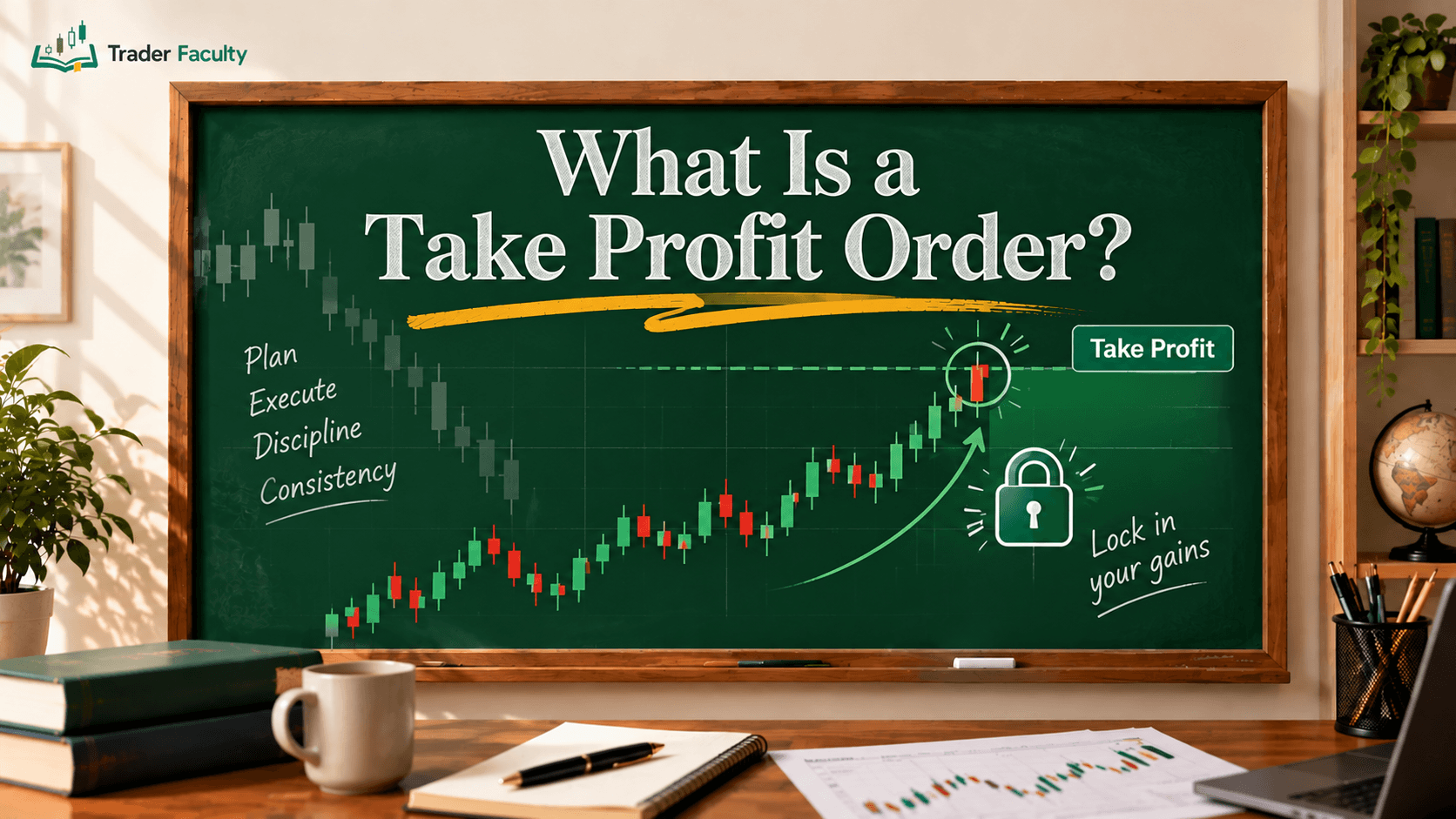
A take profit (TP) is an order that automatically closes a winning trade once price reaches your target profit level. It locks in gains without requiring you to watch price candles continuously.
When you attach both orders to an entry, brokers treat them as an "One-Cancels-the-Other" (OCO) set. If price hits your take profit target, your stop loss is automatically canceled, and vice versa. Using these paired orders turns an open-ended gamble into a controlled plan.
How Stop Loss and Take Profit Orders Work

To see stop loss and take profit explained in practical terms, you need to look at order execution mechanics. While both tools close trades automatically, they handle price execution differently when triggered.
When the market touches your stop loss level, your broker converts the instruction into a market order. A market order fills immediately at the best available price. In quiet markets, your fill price will match your stop level closely. However, during fast-moving events or market gaps, the actual execution price can differ from your preset level. This price difference is called slippage.
In contrast, a take profit target converts into a limit order upon reaching your target price. A limit order will only fill at your specified price or a better price. This ensures you get the target gain you planned, though extreme volatility can occasionally leave an order unfilled if price spikes past without enough market liquidity.
Practical Example: Setting SL and TP on a Trade
Reviewing a stop loss and take profit example makes the arithmetic straightforward. Whether you trade long (buying to profit from price rises) or short (selling to profit from price falls), the mechanics depend on relative price levels.
| Trade Direction | Entry Level | Stop Loss Placement | Take Profit Placement |
|---|---|---|---|
| Long (Buy) | Current Price | Below Entry Price | Above Entry Price |
| Short (Sell) | Current Price | Above Entry Price | Below Entry Price |
Step-by-Step Long Trade Scenario
Imagine you buy EUR/USD at 1.0800 after identifying price bounce off support.
- Setting Risk: You place a stop loss at 1.0770 (30 pips below entry) to limit loss if support breaks.
- Setting Target: You place a take profit at 1.0860 (60 pips above entry) near a known resistance zone.
- Calculating Ratio: You risk 30 pips to gain 60 pips. This sets a 1:2 risk-to-reward ratio.
Risk-to-Reward Ratio = Target Profit (Pips) / Risk Amount (Pips)
In this hypothetical example:
60 pips / 30 pips = 2 (a 1:2 Risk-to-Reward Ratio)
With a 1:2 ratio, you can lose more than half your trades and still maintain net profit growth over time. Professional guidelines published by the CFA Institute emphasize that structured trade planning and risk controls are foundational to long-term capital preservation.
Finding Optimal Exit Levels
Setting exit levels requires technical analysis rather than arbitrary point choices. Plucking random numbers out of thin air often places your orders too close to normal market noise or too far from realistic targets.
Technical Structure
The most common approach uses support and resistance levels:
- For Long Trades: Place your stop loss slightly below support, and set your take profit target just under resistance.
- For Short Trades: Place your stop loss slightly above resistance, and set your take profit target just above support.
Volatility-Based Exits
Markets expand and contract in volatility. Using technical tools like the Average True Range (ATR) helps adjust stop distance to current conditions. During volatile periods, wider stops prevent market noise from knocking you out early. During quiet conditions, tighter stops keep risk controlled.
Setting your levels before placing an order prevents mid-trade panic. Once a trade goes live, fear and greed bias your judgment, making objective decisions difficult.
Common Pitfalls in Exit Management
Even experienced traders make mistakes with automated exit orders. Avoiding these frequent errors will protect your trading plan:
- Moving Stop Loss Mid-Trade: Pushing your stop loss further away as price approaches it is the fastest way to blow an account. It converts a small, controlled loss into an unmanageable drawdown.
- Cutting Profits Short: Closing a winning trade too early out of fear that a reversal will happen leaves potential gains on the table and undermines your planned risk-to-reward ratio.
- Setting Stops Too Tight: Placing a stop loss too close to your entry price causes normal market fluctuations to close your position prematurely.
- Ignoring Spread & Slippage: Forgetting transaction spreads can cause your stop loss to trigger early or your profit target to miss filling by fractions of a pip.
Conclusion
Mastering the use of a stop loss and take profit structure turns random market speculation into a disciplined process. Automated exit orders protect your mental clarity by handling execution according to plan, allowing you to review performance objectively.
Building consistency requires pairing these orders with strong position sizing and overall risk management in trading. Every market position carries a real risk of capital loss, so treat exit orders as compulsory tools to preserve your trading capital over the long run.
Frequently Asked Questions
What is the main difference between a stop loss and a take profit?
A stop loss order closes a trade to cap losses when price moves against your position. In contrast, a take profit order closes a trade to lock in gains when price reaches your designated profit target.
Does a stop loss guarantee execution at the exact specified price?
No, a stop loss converts into a market order once triggered. During periods of fast market movements, high volatility, or weekend price gaps, price slippage may cause your order to fill at the next available market price rather than your exact requested level.
What is a good risk-to-reward ratio for stop loss and take profit?
Many traders aim for a risk-to-reward ratio of 1:2 or higher, where the potential profit target is at least double the potential risk. However, optimal ratios depend on market volatility, win rates, and underlying trade setups rather than rigid fixed rules.
How do you set stop loss and take profit for long vs short positions?
For a long (buy) position, place your stop loss below your entry price and your take profit above it. For a short (sell) position, place your stop loss above your entry price and your take profit below it.
Can you change or move a stop loss after opening a trade?
Yes, trading platforms allow you to modify stop loss and take profit levels on open positions. However, moving a stop loss further away to avoid taking a planned loss is a common emotional mistake that increases capital risk.
The Trader Faculty Team writes and reviews every guide together — pairing hands-on market experience with a curriculum-first approach to trading education. One good syllabus, taught in the order that makes you better.