How to Create a Trading Bot: A Step-by-Step Guide
Learn how to create a trading bot step by step. Build execution engines, connect APIs, and manage risks safely. Read the full guide.
By Trader Faculty Team
Direct Answer
A trading bot is a software application programmed to execute orders automatically on a financial exchange based on predefined rules. Creating one involves defining entry and exit logic, connecting to broker data APIs, embedding risk management controls, and validating execution through backtesting and paper trading before live deployment.
An automated trading bot is a software program that automatically executes trades on a financial exchange based on predefined algorithmic logic and quantitative parameters.
Many new traders assume that creating a trading bot provides a hands-free shortcut to passive financial returns. In reality, an automated system simply automates execution—it executes your rules with perfect discipline, but it also executes bad rules just as effectively.
Building a functional, resilient bot requires a clear understanding of strategy logic, broker Application Programming Interfaces (APIs), and execution infrastructure like latency and slippage.
Quick Takeaways
- A trading bot automates execution based on explicit rules, but it does not make an unprofitable strategy profitable.
- Bot architecture consists of three distinct modules: signal generation, risk management, and order execution.
- Webhooks and Python offer accessible pathways to automate strategies without building an exchange engine from scratch.
- Historical backtesting must account for slippage, commission costs, and overfitting to reflect real-world conditions accurately.
- Server reliability, API security, and fail-safe disconnect rules are mandatory for managing live operational risks.
The Core Architecture of an Algorithmic Trading Bot
Whether you choose Python or MetaTrader, learning how to create a trading bot properly means treating each module as a discrete engineering component.
Before writing code, you need to understand how an automated execution system is structured. An algorithmic trading system relies on three core modules working in a continuous execution loop.
1. Signal Generator Module
The signal generator processes inbound price and volume data from your broker or market data provider. It runs your strategy's conditions against incoming price quotes. If the conditions return a true Boolean signal (for example, "Fast Moving Average crosses above Slow Moving Average"), it generates a buy or sell trigger.
2. Risk Management Engine
A trigger from the signal generator should never go straight to the market. The risk management engine acts as a safety barrier. It evaluates current open risk, account equity, and daily drawdown limits before determining the final order size. If the signal violates your risk parameters, the engine modifies or cancels the order.
3. Execution Manager
The execution module converts approved signals into actionable REST API or WebSocket API payloads. It routes the order to your broker, monitors execution status (such as filled, partially filled, or rejected), and logs the transaction.
Choosing Your Development Stack
There are three primary avenues for building a trading robot depending on your programming knowledge and performance needs.
| Approach | Ideal For | Pros | Cons |
|---|---|---|---|
| Python Stack | Quantitative traders & developers | Unlimited flexibility, extensive data analysis libraries | Requires self-hosted infrastructure and custom API maintenance. |
| MetaTrader (MQL4/MQL5) | Forex and CFD traders | Native integration, built-in strategy testing environment. | Locked into the MetaTrader ecosystem; proprietary language. |
| TradingView Webhooks | No-code / Low-code traders | Easy strategy scripting in Pine Script; no hosting needed for logic generation. | Dependent on third-party webhook middleware for execution. |
MetaTrader Environment vs. Custom Python
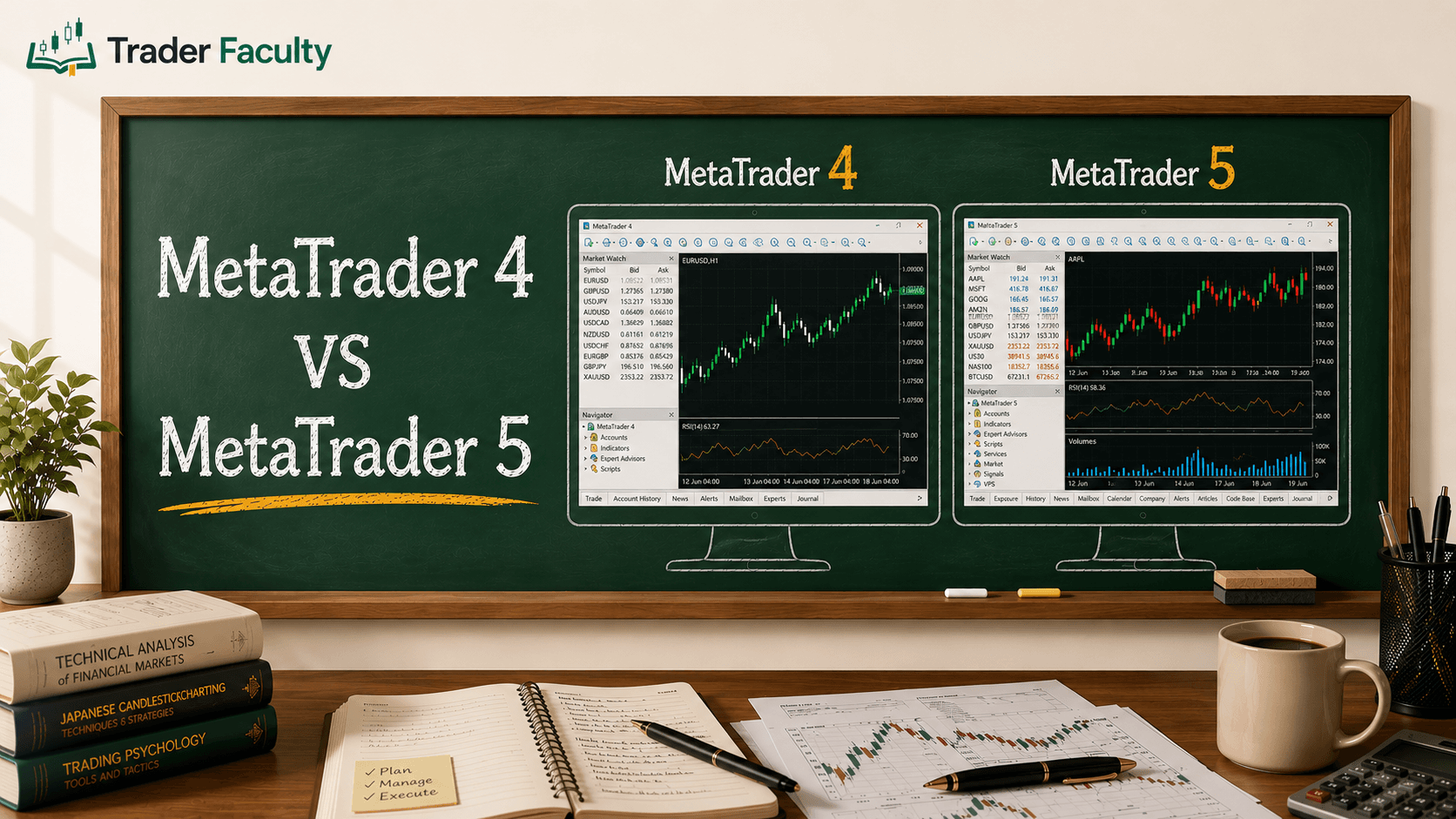
For retail CFD traders, platform selection often comes down to MetaTrader or custom Python scripts. Knowing what is the difference between MetaTrader 4 and 5 helps clarify your programming route: MetaTrader 4 uses MQL4 (procedural, order-centric), while MetaTrader 5 uses MQL5 (object-oriented, multi-asset capabilities).
If you prefer building outside a legacy terminal, custom Python scripts interacting with broker REST APIs provide complete control over your data pipelines and risk parameters.
Step-by-Step: Building Your Trading Bot Infrastructure
Building a trading bot involves four sequential development stages.
Step 1: Quantify Strategy Logic
An automated bot cannot interpret subjective market commentary like "buy near support." Every parameter must be translated into explicit, quantifiable rules.
Python:
# Conceptual Strategy Trigger in Python
def check_entry_signal(df):
# Calculate 20-period and 50-period simple moving averages
df['sma_fast'] = df['close'].rolling(window=20).mean()
df['sma_slow'] = df['close'].rolling(window=50).mean()
# Trigger BUY signal on bullish crossover
if df['sma_fast'].iloc[-2] <= df['sma_slow'].iloc[-2] and df['sma_fast'].iloc[-1] > df['sma_slow'].iloc[-1]:
return "BUY"
return "HOLD"
Step 2: Establish API Data Streams
Brokers provide two primary API architecture protocols for programmatic access:
- REST APIs: Used for polling endpoints (sending periodic HTTP requests for account updates or manual order placement). REST APIs limit requests via rate limits, which vary by broker—commonly ranging from a few requests per second to higher limits on premium tiers.
- WebSockets: Used for streaming live tick or order-book data continuous updates without constant HTTP overhead.
Step 3: Embed Risk Controls
Hardcode your dynamic risk management checks directly into your codebase. Key controls include:
- Position Sizing: Calculate order size based on account equity rather than fixed contract lots.
- Emergency Circuit Breakers: Code a script parameter that halts all trading if daily losses exceed a specific percentage threshold (e.g., 3% account drawdown).
Step 4: Configure Order Routing Logic
Order execution requires handling real-world market dynamics. Decide whether your bot uses Market Orders (guaranteed execution, variable price) or Limit Orders (guaranteed price, variable fill risk). Your code must include logic to monitor unfilled limit orders and cancel them after a specified timeout window.
Testing Protocols: Backtesting and Paper Trading
Never launch a trading bot directly with live capital. Put the algorithm through two distinct validation phases.
Backtesting on Historical Data
Backtesting involves running your algorithm across historical price data to evaluate performance. However, backtests can easily produce deceptive results due to common analytical traps:
- Overfitting (Curve-Fitting): Tweaking parameters until the bot performs perfectly on historical data. Overfitted systems usually fail when exposed to unseen live market conditions.
- Look-Ahead Bias: Accidental logic flaws where the bot accesses future bar data (e.g., using the current bar's closing price before the bar has actually closed).
- Ignoring Execution Costs: Failing to deduct broker commissions, bid-ask spreads, and estimated slippage from backtest returns.
Forward Testing (Paper Trading)
Once a backtest validates your logic, run the bot in a paper-trading environment connected to live broker WebSockets. Forward testing reveals execution hurdles that backtests cannot catch: API latency, order rejections, rate limits, and internet connectivity drops.
Hosting, Security, and Operational Fail-Safes
Running a trading bot on a home computer leaves your system vulnerable to power outages, internet drops, and operating system updates.
Virtual Private Servers (VPS)
Professional automated execution requires hosting scripts on a remote Virtual Private Server (VPS) located near broker execution servers. A modest cloud instance (e.g., 2 vCPUs, 4GB RAM) is typically sufficient for basic execution loops, though exact requirements depend on your strategy's complexity and data volume.
Protecting API Keys
Never hardcode raw API keys into your scripts or upload them to public repositories like GitHub. Store keys in environment variables or configuration files excluded from version control systems.
# Store credentials securely in environment variables
export BROKER_API_KEY="your_api_key_here"
export BROKER_API_SECRET="your_api_secret_here"
When setting up broker API keys, restrict permissions to Trade Access Only. Disable withdrawal permissions so that exposed credentials cannot be used to transfer funds.
Common Pitfalls in Automated Execution
Avoid these common development mistakes:
- Assuming Backtest Parity: Market impact and liquidity shifts mean live fill prices rarely match historical backtest assumptions perfectly.
- Missing Error Exception Handling: If your API connection drops mid-trade, an unhandled script exception will crash the bot, leaving open positions unmonitored. Always wrap API calls in try-except loops with automatic retry logic.
- Ignoring Network Latency: High-frequency strategy logic can fail on standard REST polling loops due to transmission delays between your server and the broker's matching engine.
Conclusion
Creating a functional trading bot requires turning discretionary ideas into precise, quantifiable logic, connecting to broker data feeds via APIs, and deploying safety controls. While automation eliminates manual execution delays and enforces emotional discipline, it introduces technical considerations like server reliability, API limits, and slippage. Treat bot creation as an ongoing engineering project: build cleanly, test thoroughly in simulated environments, and maintain strict operational safeguards.
Explore our comprehensive suite of trading tools to refine your strategy architecture and execution stack.
Frequently Asked Questions
Can a beginner build a trading bot?
Yes, beginners can build basic trading bots using low-code webhook solutions like TradingView or simplified Python libraries like CCXT. However, live execution requires an understanding of basic programming, broker API structures, and strict risk management logic to prevent technical errors.
What is the best programming language for a trading bot?
Python is widely regarded as one of the most accessible programming languages for building trading bots, thanks to its extensive library ecosystem for data analysis, machine learning, and broker API integration.
Do trading bots guarantee profitable trading?
No, trading bots do not guarantee profits or remove strategy risk. A bot merely automates execution based on explicit rules; it will execute unprofitable rules just as efficiently as profitable ones. Strategy success depends on quantitative edge, backtesting, and market conditions.
What is the difference between backtesting and paper trading?
Backtesting evaluates an automated strategy against historical price data to measure hypothetical past performance. Paper trading executes the strategy in real-time with simulated capital on live price feeds, testing real-world order routing, server latency, and API stability.
Why do I need a VPS to host my trading bot?
A Virtual Private Server (VPS) ensures your trading bot operates continuously without interruptions caused by local power outages, internet disconnections, or personal computer updates. VPS hosting also reduces execution latency by maintaining servers close to broker matching engines.
The Trader Faculty Team writes and reviews every guide together — pairing hands-on market experience with a curriculum-first approach to trading education. One good syllabus, taught in the order that makes you better.